
Find the camera.
Discover Hikvision devices on the local network. Add a known IP or scan an authorised routed network when the job extends beyond one subnet.
CAMERA INSTALLATION & MANAGEMENT
Free SADP discovery and CCTV installer software for Windows, Linux and Apple Mac. Find compatible Hikvision cameras, configure supported devices and keep the whole installation together.
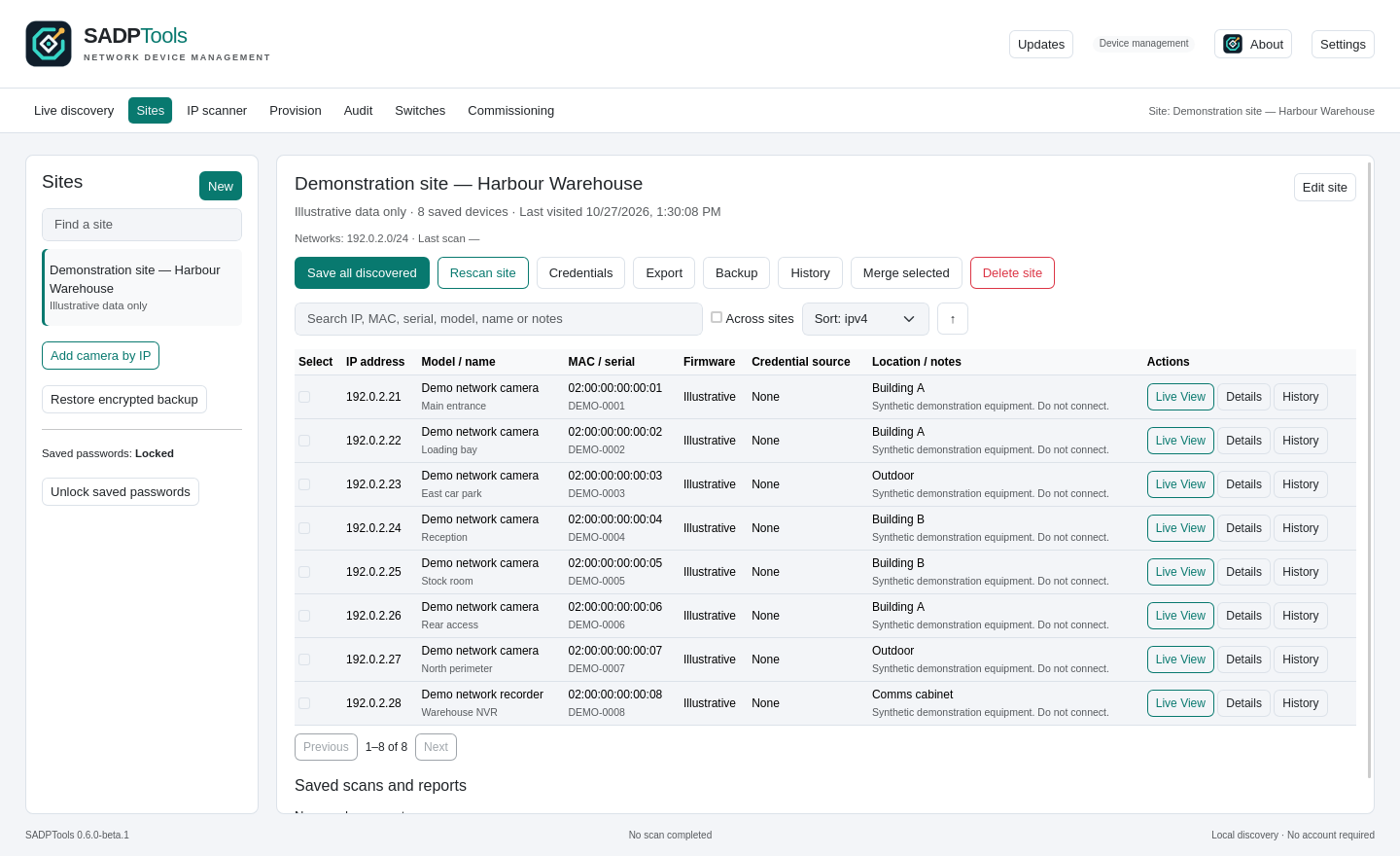
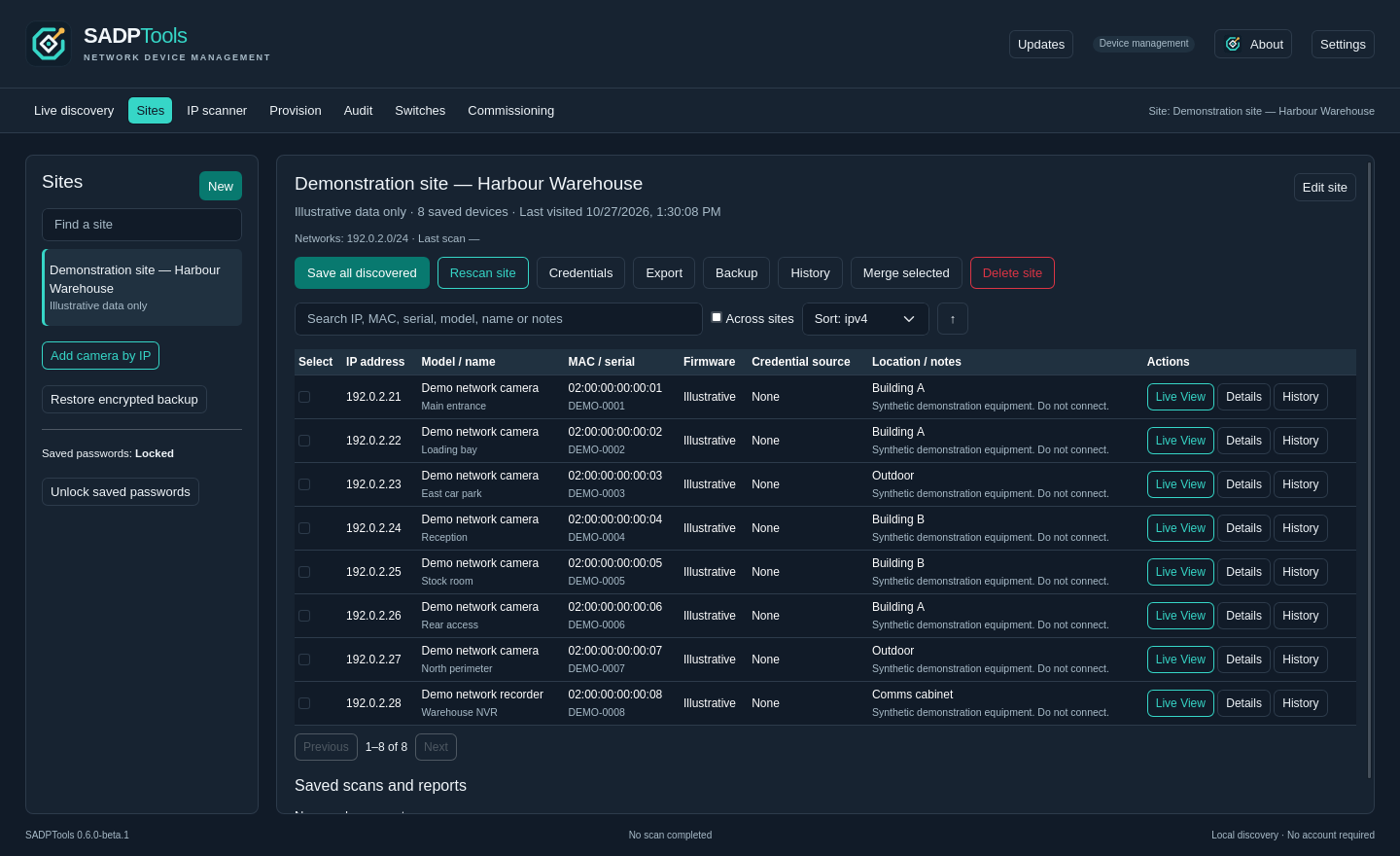
FROM INSTALL TO INVESTIGATION
A camera install is more than finding an IP address. Keep discovery, configuration and diagnostics together, with the site context that makes them useful.
Discover Hikvision devices on the local network. Add a known IP or scan an authorised routed network when the job extends beyond one subnet.
Activate supported cameras, set network addresses and keep sites organised. Preview device changes before you apply them.
Trace connectivity problems, inspect supported services and explore ONVIF or ISAPI responses. Keep the evidence with the site.
PRACTICAL CCTV TOOLS
From Search Active Devices Protocol to routed camera access: choose the right discovery method and keep the job moving.
SADPTools is a free, independent desktop application for finding and commissioning compatible Hikvision cameras and recorders on Windows, Linux and Apple Mac.
Choose the discovery method that matches the network. SADPTools combines local camera discovery, known-IP access and explicit IPv4 scans in one Windows, Linux and Mac application.
SADPTools keeps camera discovery, supported configuration, Live View and handover information together. Carry the same practical CCTV tools on a Windows, Linux or Apple Mac laptop.
A WORKSPACE THAT WORKS WITH YOU
Named sites, saved equipment, protected credentials and encrypted site transfers between laptops. Import NX Camera Info reports with cameras and NX Witness server, user, storage and licence details.
Open Live View in a separate window while you work. Inspect supported stream and imaging information without losing your place.
Build commissioning reports, print equipment labels and export reviewed diagnostic bundles for the next person on the job.
WHEN “IT SHOULD WORK” ISN’T ENOUGH
A reachable camera is only the beginning. Inspect the connection, check supported recording metadata and understand what the device actually reports.
Put the toolkit on your laptopRoute, ports, TLS and supported authenticated services.
Supported recording searches, gap metadata and API inspection.
Image tuning, ANPR event tests, replacement and firmware planning.
YOUR NEXT INSTALL STARTS HERE
Free downloads for Windows, Linux and Apple Mac. All packages below follow the current published release automatically.
Checking the current release…
The installer includes the display runtime and handles setup for you. No separate prerequisite download.
Download Windows installerExtract the ZIP and run. Uses an existing WebView2 runtime.
Native packages with an application menu entry and icon. Choose the format that fits your distribution.
DEBUbuntu & DebianUbuntu 24.04+ · Debian 13+RPMFedoraCurrent supported Fedora releasesTAR.GZManual installationIncludes install.sh · GTK4 / WebKitGTK 6.0 requiredDiscovery, camera management and diagnostics in a native app. Open the disk image and drag SADPTools to Applications.
Download Mac DMGExtract the ZIP, then move SADPTools.app to Applications.
BEFORE YOU PLUG IN
Made for the practical work that happens on site.
Meet Paul WillardSADP means Search Active Devices Protocol. Compatible Hikvision cameras and recorders use it for local network discovery. SADPTools uses SADP alongside other supported discovery and camera-management tools.
No. SADPTools is an independent application created by Paul Willard. It supports compatible Hikvision equipment but is not affiliated with or endorsed by Hikvision.
Yes. Windows 10/11 AMD64 has an installer and a standalone ZIP. Linux AMD64 has DEB, RPM and a manual tar.gz installer, with a desktop menu icon. Apple Mac has a universal DMG and ZIP for Apple Silicon and Intel, targeting macOS 12 or later. Mac builds are available for testing; real Mac hardware validation is still needed.
Copy SADPTools.app from the DMG or ZIP to Applications. These test builds are not Developer ID signed or notarised, so macOS may show a Gatekeeper warning. Update checks recognise Mac packages; quit the app before replacing it manually. Saved sites and settings stay outside the app bundle. Read Apple Mac installation help.
SADP discovery, activation and network configuration target compatible Hikvision equipment. ONVIF and ISAPI tools depend on what each camera or recorder supports and what your account permits. Features vary by model and firmware; support is shown in the app.
Yes, if your computer has a working route and the required camera services are reachable. Add a known camera IP or scan an explicitly selected network. Multicast SADP discovery itself normally stays within the local broadcast domain.
No. SADPTools is free to use, with no application account or telemetry. Your sites and credentials stay on your computer. Device operations and update checks use network connections when requested or enabled.
Current unsigned builds can appear as an unknown publisher. SmartScreen also considers a file’s reputation. Read the Windows installation guide before deciding whether to run a download. Read Windows installation help.
No. Capability and permission checks are part of the workflow. Firmware uploads, automatic replacement configuration, privacy-mask editing and verified replay retrieval are not available in this release. Features still need testing against your specific equipment.
WINDOWS. LINUX. APPLE MAC. READY FOR THE JOB.